

Logo Link is for direct image embedding. Do not download, persist, or rehost the returned image file. Browser and CDN caching directed by the response headers is allowed.
Try it
Before you start
1
Create a public client ID
Open the Logo Link dashboard and copy the value under Public Client ID.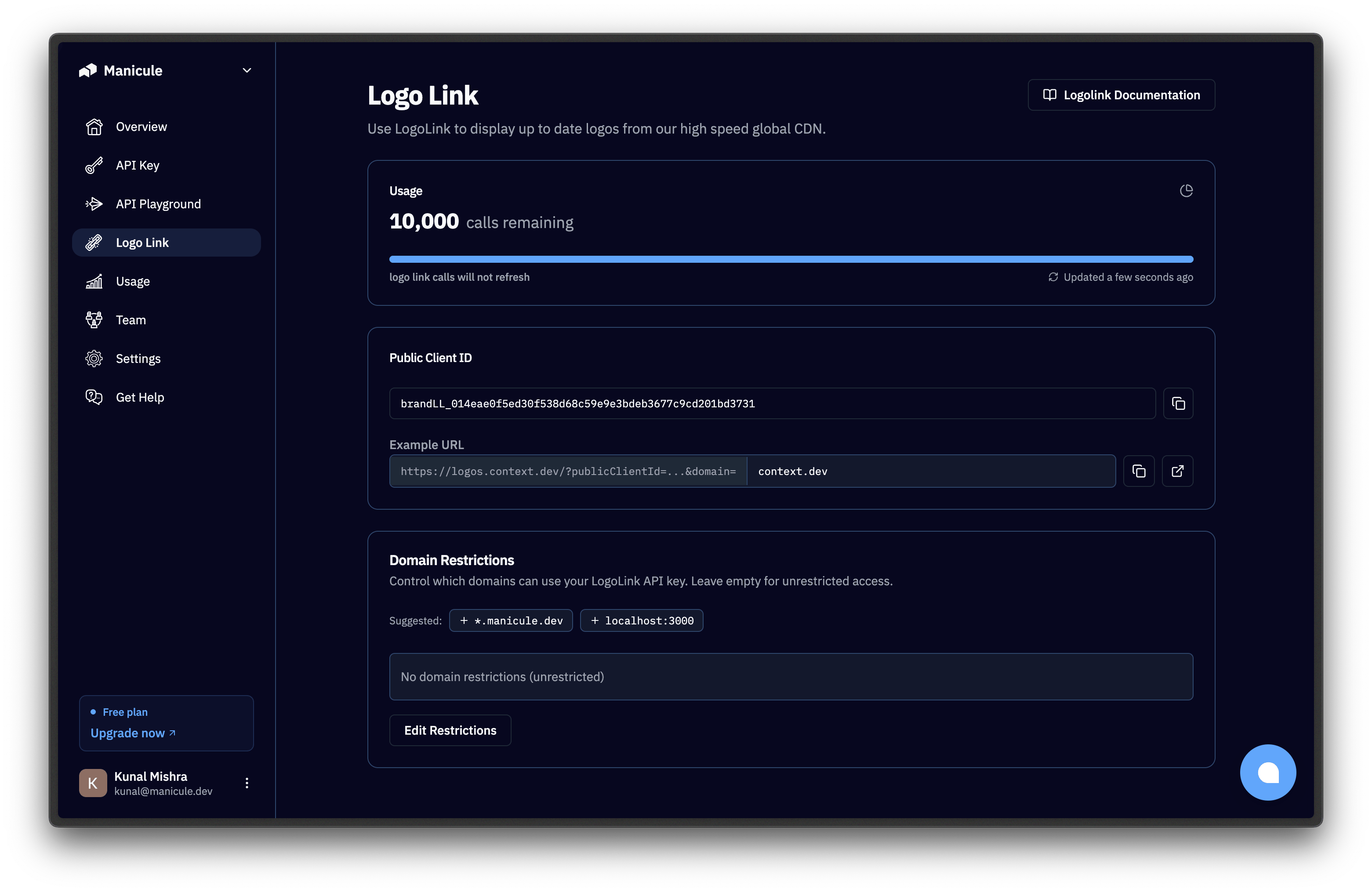
2
Restrict where it can be used
Select Domain Restrictions and add every site that will embed the image, such as 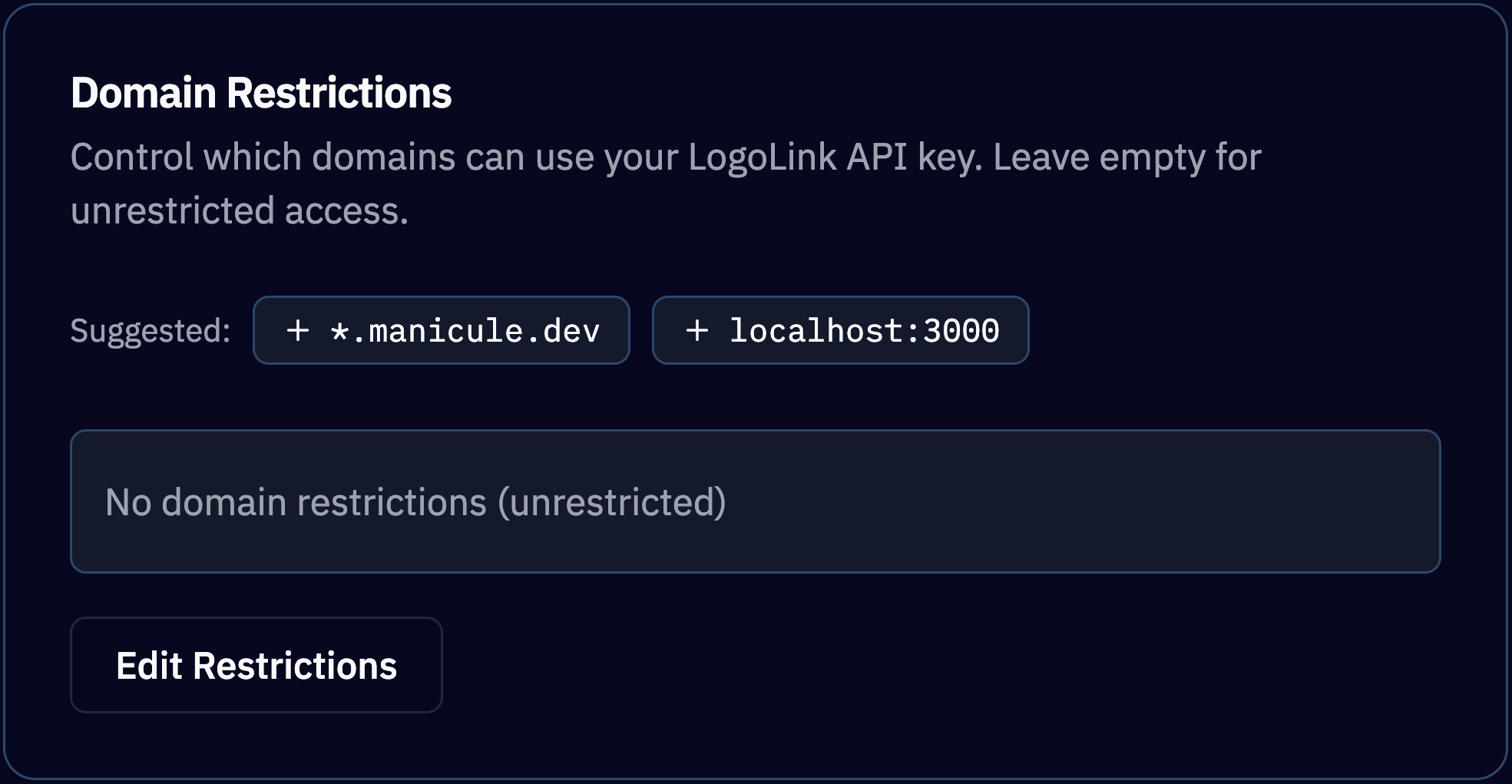
app.example.com and the exact localhost origin used during development.Build the image URL
Logo Link accepts
GET and HEAD. A successful GET returns raw image bytes rather than a JSON object. Follow its Content-Type and Cache-Control response headers.
Embed the logo
- HTML
- React
- Spreadsheet
type=wordmark. An invalid client ID, exhausted quota, or disallowed referring site can make the image fail to load.
Choose the right product
Logo Link has its own usage quota. Check allowances and usage in the Logo Link dashboard.
Usage restrictions
- Do not download, persist, or rehost image files returned by Logo Link.
- Normal caching performed according to the response headers is allowed.
- A returned logo identifies a company; it does not establish affiliation, sponsorship, or endorsement.
- Confirm that your presentation and use comply with applicable trademark rules and your agreement with Context.dev.